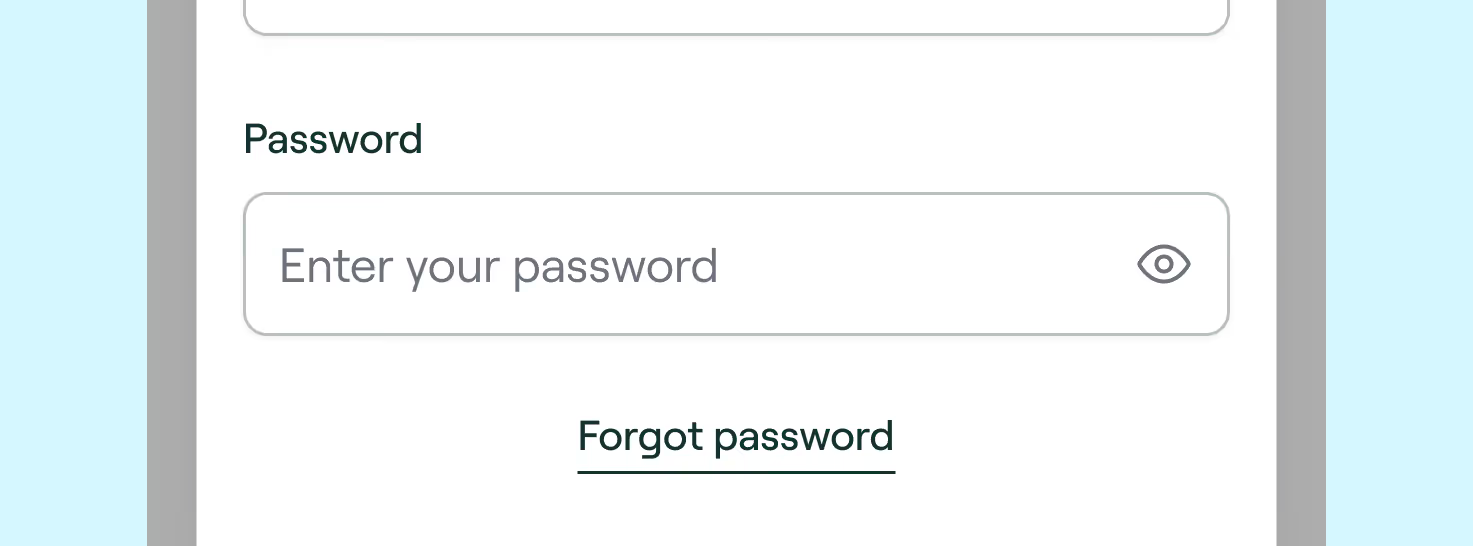
Change password

If you want to change your password, it's super easy — just follow these steps:


  1. Go to the Login page and enter your profile details
  2. Once you're logged in, click in "Profile" in the left column
  3. Click in "Security - change password" and follow the instructions
  4. Done! ✅

If you're still facing issues, please contact our support — we're happy to help.

Was this helpful?

Thank you for your feedback — it will help us improving our experience. We really appreciate it.
Oops! Something went wrong while submitting the form.
We kindly ask you to try again later.
Thank you for your feedback — it will help us improving our experience. We really appreciate it.
Oops! Something went wrong while submitting the form.
We kindly ask you to try again later.