
Payments & Transactions


Profile & Accounts

Privacy & Security

How to change the language in the payment flow
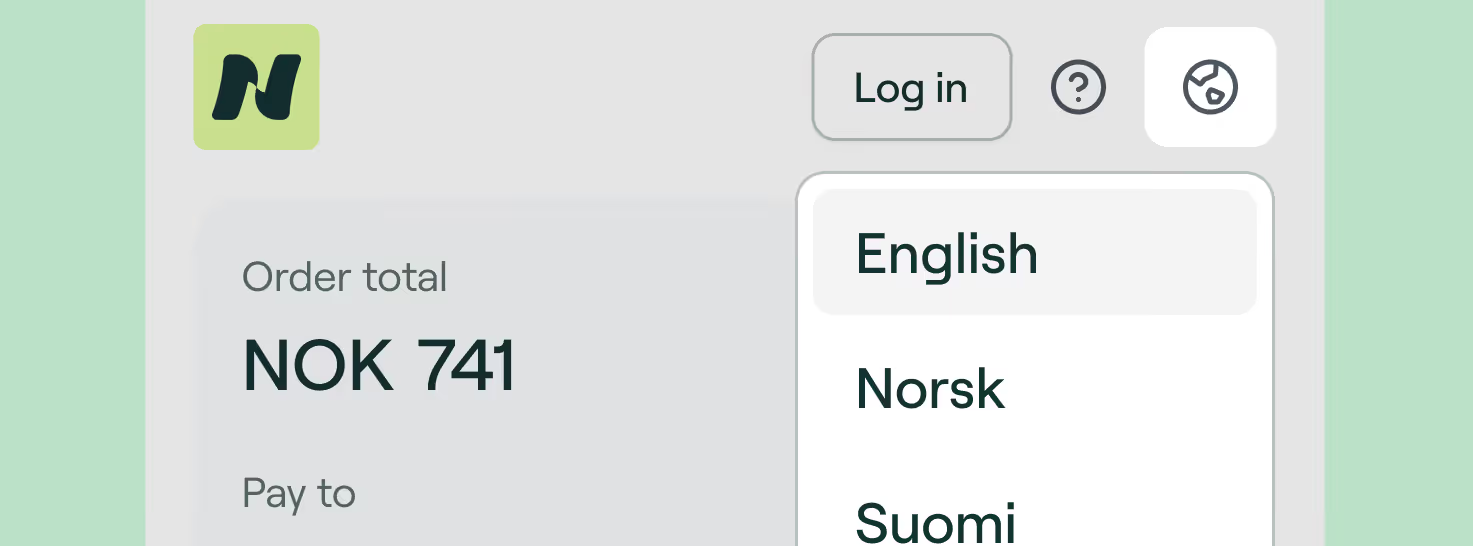
You can change the language of the payment flow—and it's very easy!
Simply look for the globe icon in the header, next to the help icon and the Login button. You can change the language to:
🇳🇴 Norwegian
🇸🇪 Swedish
🇩🇰 Danish
🇫🇮 Finnish
🇺🇸 English
We highly recommend to avoid using the automatic page translator, as it may give you incorrect information about your payment. If you have it enabled, please disable it during the payment flow to avoid errors.
Was this helpful?


.avif)


