The Blog
The latest industry news, use cases, and resources. It's all right here.
Get Started with Nello Pay
Learn how to self-onboard with Nello Pay, a Pay by Bank solution, to test payments in Sandbox, integrate APIs, configure webhooks, and go live.

Sign up and test Nello Pay in Sandbox quickly and easily before making any commitment. Follow the steps below to get started.
Existing customers: We have updated our Merchant Portal to include direct access to a new integrated Sandbox environment, in addition to the existing Production environment.
- Any current testing in the separate Sandbox environment, using existing API keys and webhook endpoints, can continue until September 30, 2026.
- Any new testing can be done through the new Sandbox in the Merchant Portal following the guidelines below.
- Existing Production integrations will not be affected in any way.
Step 1 – Sign up
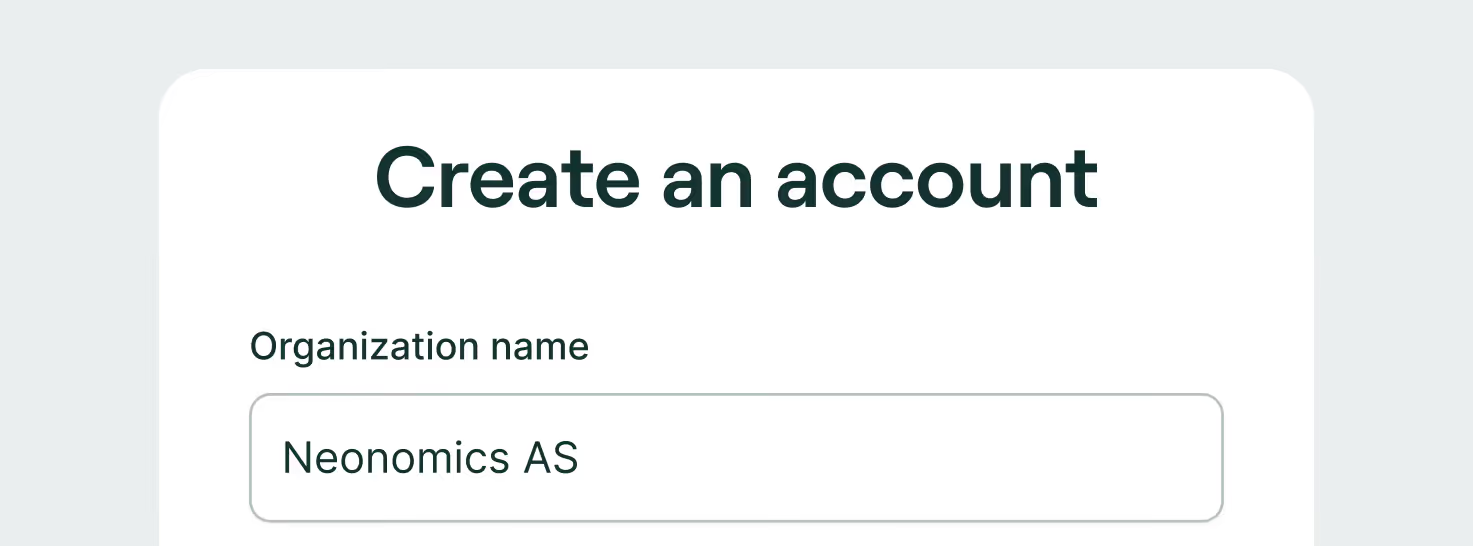
To get started testing Nello Pay in Sandbox, click on the Get Started button on the Nello Pay or Nello Pay product demo pages on our website, or simply follow this link: Merchant Portal Get Started
- To sign up, simply fill in the required fields, create a password and click the “Create account” button.
- Verify your email. You will receive an email to confirm your account. Click “Verify email address button” to confirm your account and click the link to return to the login page of the Merchant Portal. Email verification is required to proceed.
- Sign into your account using your email and password.
Step 2 - Integrate with Sandbox
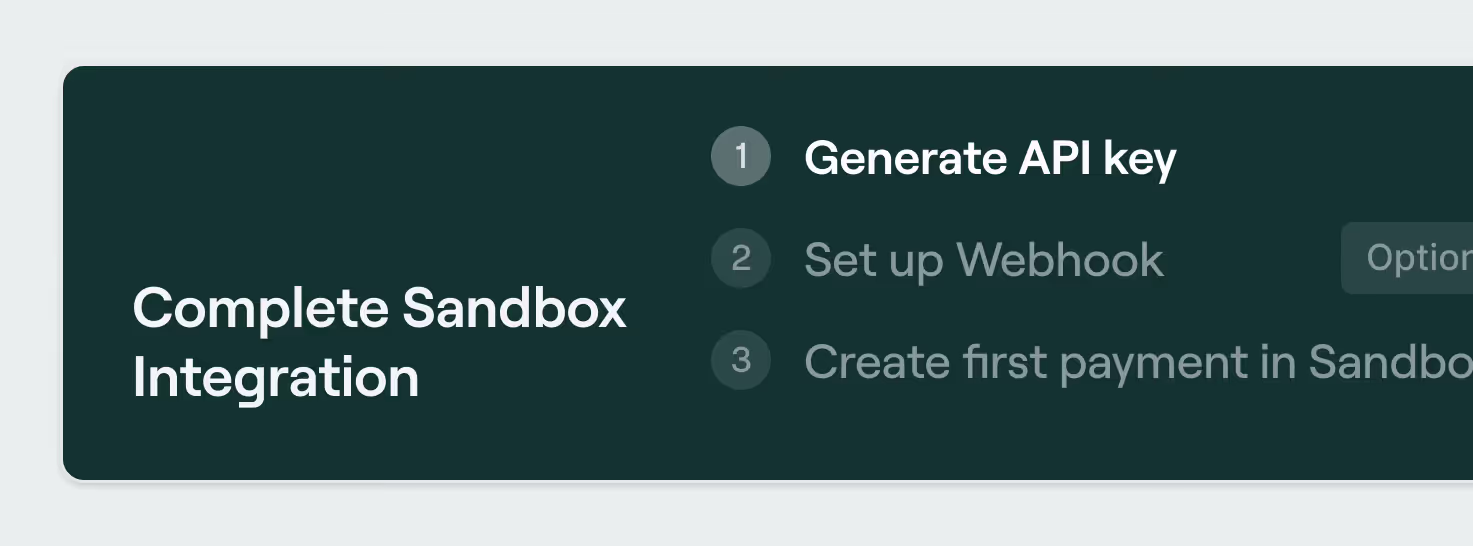
This will take you to the Neonomics Sandbox where you can start integrating.
- Generate an API Key: Click Company Settings on Sandbox dashboard page, on the "Integration" tab, follow the documentation instructions.
- Optional: Set up the webhook. If you wish to use a webhook, you can set this up as well in the "Company settings" page, under the "Webhook" tab. Follow the documentation instructions.
- Create your first payment: Return to the Sandbox Dashboard and click on the link to “Create your first payment” and follow the documentation instructions.
You can now proceed with testing payments. You can see and track the payment status of your test payments under "Latest transactions".
Step 3 – Go Live
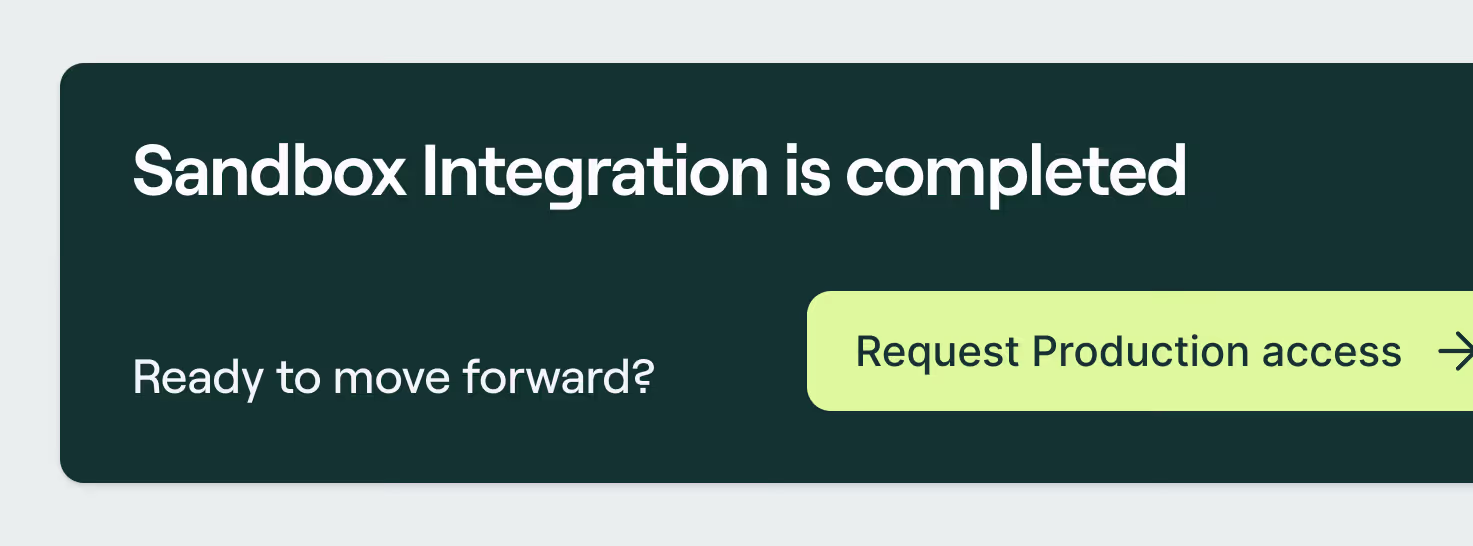
When you are ready to move forward and make live payments available in your payment interface, request Production access. From the Dashboard, click the button to request Production access. This will open the onboarding application flow. Click “Get started” and follow the steps.
- Select payment features: Select the features you would like to include in your service. Add-on and customization features have an additional monthly cost on top of the Base plan. You can review pricing here. Click on the features you would like to include. When selected, the feature card will appear highlighted in black with a checkbox symbol in the upper right corner. Then, click the “Next” button.
- Review the Service Agreement: Review the Service Agreement. You will not be required to sign the agreement until your application is approved.
- Due Diligence: Provide the required company information. You can save the information as you go and go back, and review as needed. Once all the fields are complete, click the “Confirm and submit” button to submit your application.
You will now see in the Sandbox dashboard that your application is being reviewed. If there are any issues, our Compliance or Sales team will contact you. Once approved, you will receive a contract by email to sign.
Once the signed contract is received, you will be granted access to both Sandbox and Production in the Merchant Portal. Follow the Production integration steps (similar to Sandbox integration steps).
- Integrate: follow the same integration steps you did in the Sandbox, in the Production environment.
- Generate an API Key: Select Production in the side menu drop down. This will take you to the Production dashboard. Click “Company Settings” and on the "Integration" tab, follow the documentation instructions.
- Set up the webhook (optional): If you wish to use a webhook, you can set this up as well in the "Company settings" page, under the "Webhook" tab. Follow the documentation instructions.
- Integrate Nello Pay: Return to the Production Dashboard and click on the link to “Integrate with Nello Pay” and follow the documentation instructions.
- Design toolkit: Our UX/UI experts have created a useful brand guidelines and toolkit to provide your customers with a consistent and recognizable customer journey easily: Brand Guidelines
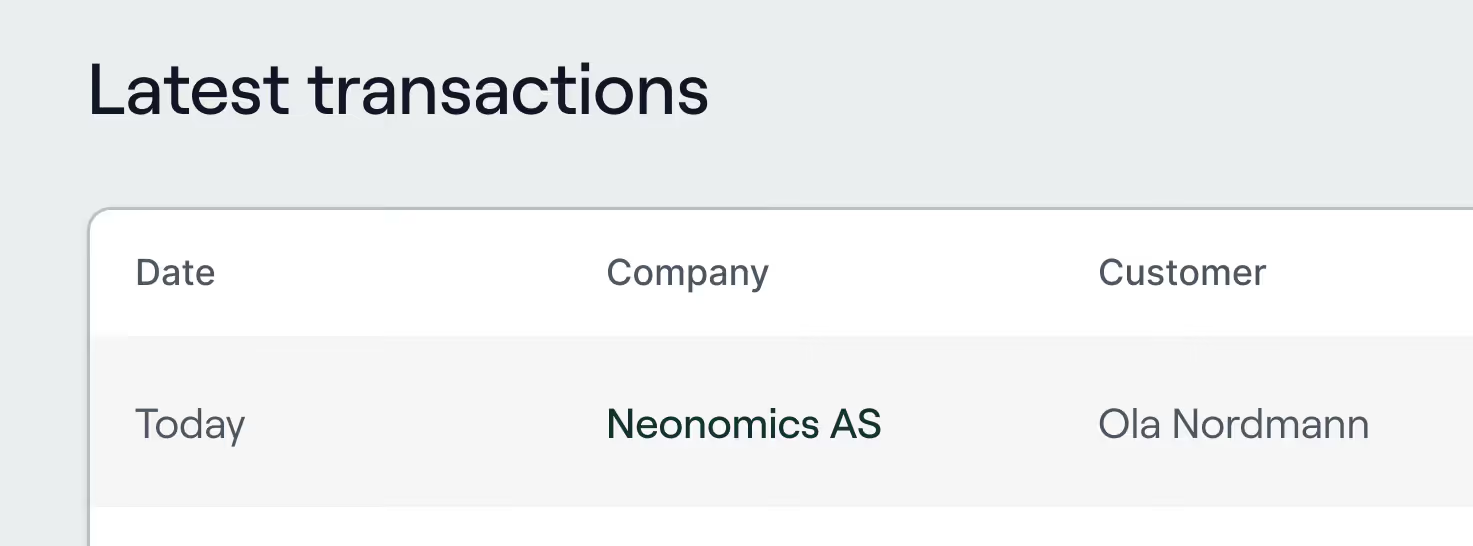
You can now proceed with live payments.
get started, nello pay, sandbox, production, integration, test, environment, merchant portal

Processing personal data under GDPR — all you need to know
Find out what personal data Neonomics collects for payments and KYC, why it's processed, who receives it, retention, and how to exercise your GDPR rights.
Here’s a simple summary of how Neonomics handles your personal data for payments and KYC, under the GDPR.
- What personal data does Neonomics process about me?
We process only the personal data that is necessary to provide our payment services and meet legal obligations. This may include information such as your account number (IBAN), payment transaction details, and any "Know your customer" (KYC) information you provide if additional verification is required.
- Why does Neonomics process my personal data?
We process your personal data to provide payment services and to comply with legal and regulatory requirements, including anti-money laundering (AML) obligations. We do not use your personal data for purposes that are not necessary for these services or legal requirements.
- Who receives my personal data?
Your personal data may be shared with trusted service providers that help us operate our services, such as transaction monitoring or compliance providers. These parties only process your data for the specific purpose for which they are engaged.
- Where does Neonomics get my personal data from?
We collect your account number (IBAN) from your bank. If we need additional information for compliance checks, such as KYC information, we collect that directly from you.
- How long does Neonomics keep my personal data?
We keep personal data only for as long as necessary to provide our services and meet legal obligations. Data relevant for AML purposes is retained for 5 years from the date it was collected, unless a different legal retention period applies.
- Is my personal data deleted after the retention period?
Yes. After the applicable retention period, your personal data is deleted or irreversibly anonymized so that it can no longer be used to identify you.
- Can I request a copy of my personal data?
Yes. Under Article 15 of the GDPR, you have the right to request access to the personal data we process about you, including a copy of that data and information about how it is used.
- Do I need to verify my identity when making a GDPR request?
Yes, we may need to verify your identity and your IBAN before providing personal data to ensure that your information is protected. Where possible, we may accept strong electronic identification (eID).
Useful links:
If you want to exercise a GDPR right or have any questions, please contact us — we’ll help you promptly.
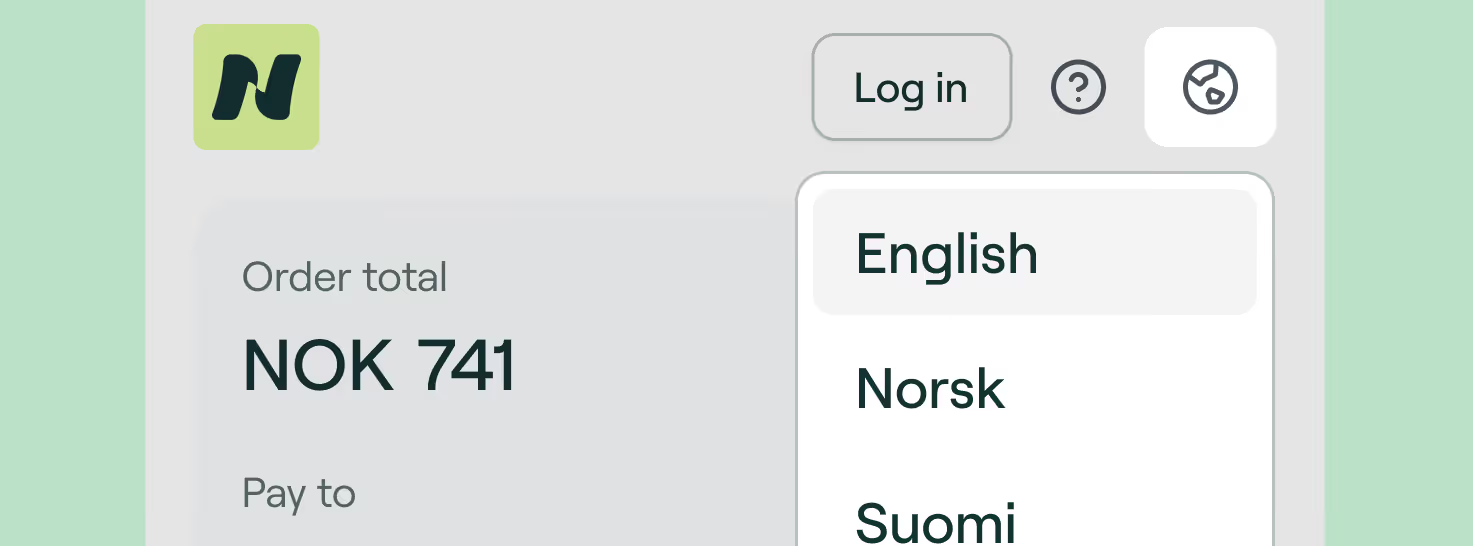
How to change the language in the payment flow
Learn how to change the language in your Neonomics' payment flow.
You can change the language of the payment flow—and it's very easy!
Simply look for the globe icon in the header, next to the help icon and the Login button. You can change the language to:
🇳🇴 Norwegian
🇸🇪 Swedish
🇩🇰 Danish
🇫🇮 Finnish
🇺🇸 English
We highly recommend to avoid using the automatic page translator, as it may give you incorrect information about your payment. If you have it enabled, please disable it during the payment flow to avoid errors.
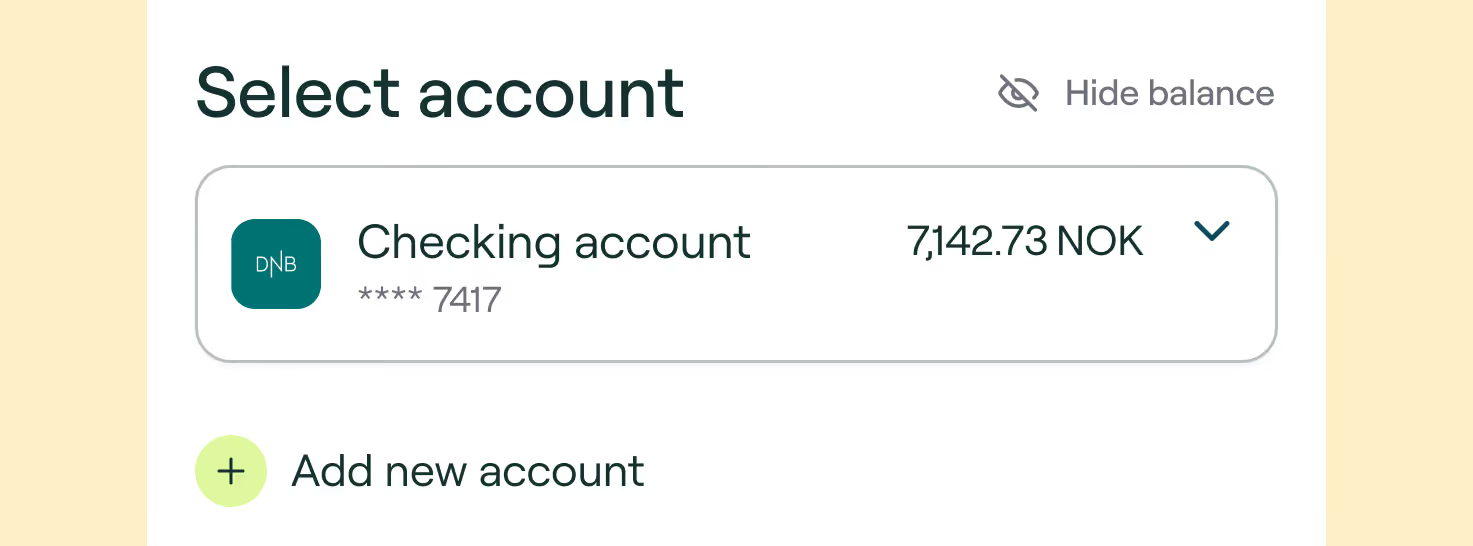
Why was the payment deducted from the wrong account?
When making a Pay by Bank payment through Nello Pay as a guest, you’ll choose your bank, verify your identity, and then select from a list of your accounts—including spending, savings, joint, or children’s accounts. Be sure to select the correct account before confirming the payment.
If you’re logged into your Nello profile, you’ll see only the accounts you’ve previously added. You can add more accounts from the same or different banks. Always double-check the selected account before proceeding.
Payments are made from the account shown on the selection screen. If the wrong account is chosen, the payment will be deducted from it. For joint accounts, another account holder may have initiated the payment.
Same-day payments cannot be reversed unfortunately. For scheduled payments, you can cancel and reschedule the payment using your preferred account.
kid, daughter, son, children
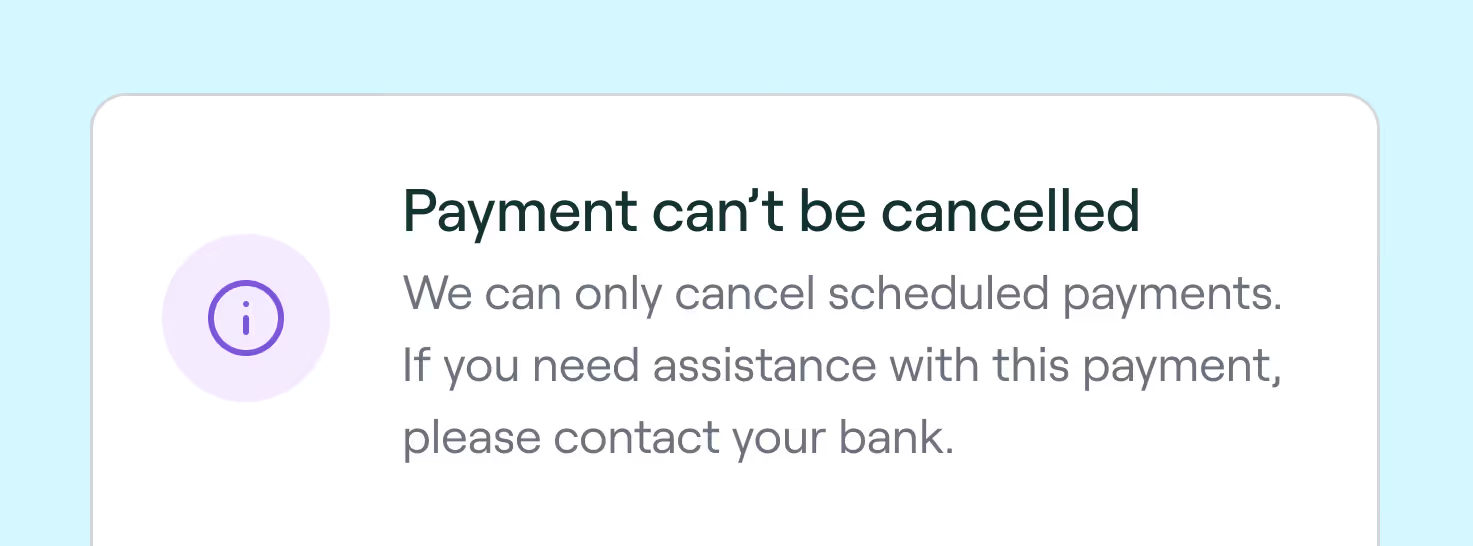
Why can't I cancel a payment
There are two different types of payments: regular and scheduled. Regular payments are processed right away — that means it can be processed instantly or some time within the same day. For some banks, it may take more than one day. Scheduled payments are the ones planned to be processed in a certain due date — either chose by you or the merchant.
There are two different types of payments: regular and scheduled:
- Regular payments are processed right away — that means it can be processed instantly or some time within the same day. For some banks, it may take more than one day.
- Scheduled payments are the ones planned to be processed in a certain due date — either chose by you or the merchant.
When you access your Neonomics profile, you may notice that sometimes it's not possible to cancel a payment. This is because we can't cancel regular payments on our side, only the scheduled ones. So in case you have issues with your regular payment, or need to cancel it, we kindly ask you to contact your bank directly, as they are the ones responsible for processing all of your payments.
cancel, delete, regular, scheduled, payments
Legal framework
If you’re curious about how we operate, protect your data, or what terms apply when using our services — we’ve got everything laid out.
If you’re curious about how we operate, protect your data, or what terms apply when using our services — we’ve got everything laid out. Check this out:
privacy, safety, security, documents

Is Neonomics safe?
Our open banking platform uses your chosen bank’s security layer plus Strong Customer Authentication (SCA), meaning they’re able to make sure it’s you initiating the transaction. Under PSD2, retailers never collect any security information for financial transactions.
Yes, Neonomics is safe!
Our open banking platform uses your chosen bank’s security layer plus Strong Customer Authentication (SCA), meaning they’re able to make sure it’s you initiating the transaction.
Under PSD2, retailers never collect any security information for financial transactions.
You never have to provide your bank details to anyone but the bank itself, making it at least as safe as online banking.
If you pay by card using Nello Pay, the payment is processed through Worldline, our card payment service provider, using 3D Secure and tokenization to encrypt your card details. Whichever way you pay, you can rest assured that your payment is safe and secure.
safety, security, privacy, payments, transactions
Unknown invoice from Neonomics
Neonomics process payments on behalf of other businesses, so you might see our name instead of the store or service you purchased from. For example, you may have recently bought something from a merchant that uses our platform. Invoice may come as "Neonomics" or "Neonomics + Merchant Name".
What is that invoice, and what is Neonomics? 🤔 Don't worry, we'll help you figuring this one out!
Neonomics process payments on behalf of other businesses, so you might see our name instead of the store or service you purchased from. For example, you may have recently bought something from a merchant that uses our platform. Invoice may come as "Neonomics" or "Neonomics + Merchant Name".
If you're still unsure, you can check your email for a receipt or order confirmation.
why, showing up, bank statement, charge, transaction

How is it regulated?
Open banking providers must be regulated by the FCA or a European equivalent. Neonomics is licensed by the Norwegian Financial Supervisory Authority (Finanstilsynet) and passported across the EU.
Open banking providers must be regulated by the FCA or a European equivalent. Neonomics is licensed by the Norwegian Financial Supervisory Authority (Finanstilsynet) and passported across the EU.
regulation
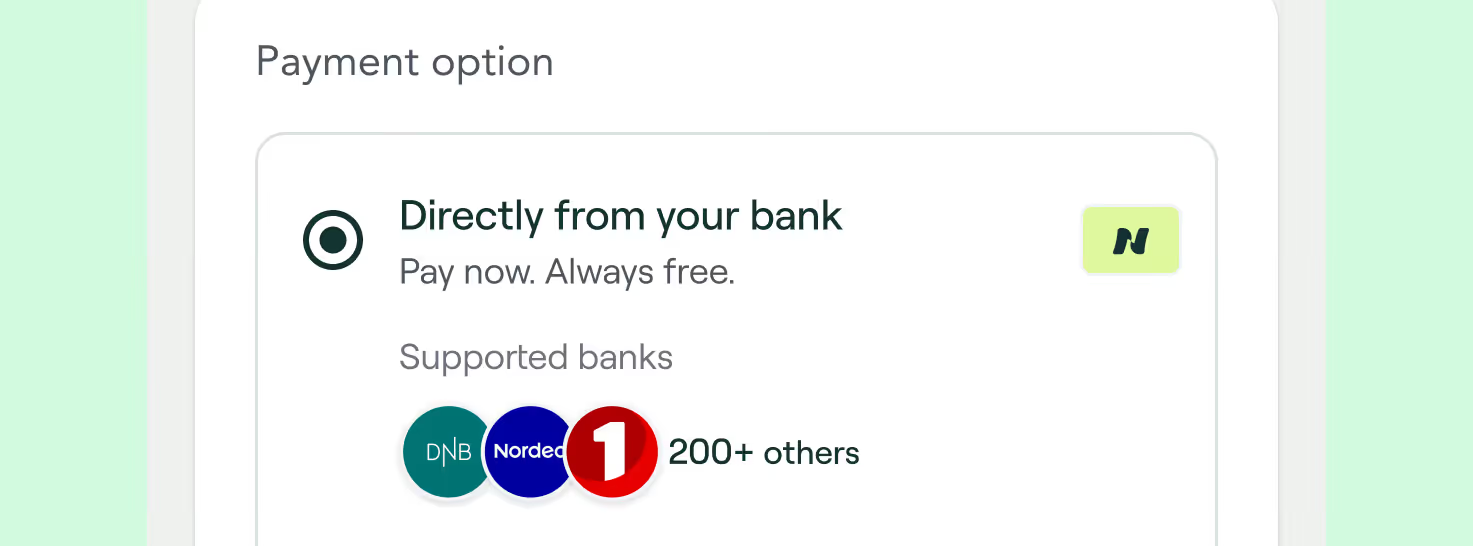
Is it safe to pay by bank?
When you use the pay by bank method through Nello Pay, there is no need to enter card details or account numbers. Instead, we use multi-factor authentication provided through your bank’s own security systems as well as end-to-end data encryption over a secure and dedicated bank API.If you pay by card using Nello Pay, the payment is processed through Worldline, our card payment service provider, using 3D Secure and tokenization to encrypt your card details. Whichever way you pay, you can rest assured that your payment is safe and secure.
Yes! When you use the pay by bank method through Nello Pay, there is no need to enter card details or account numbers. Instead, we use multi-factor authentication provided through your bank’s own security systems as well as end-to-end data encryption over a secure and dedicated bank API.
If you pay by card using Nello Pay, the payment is processed through Worldline, our card payment service provider, using 3D Secure and tokenization to encrypt your card details. Whichever way you pay, you can rest assured that your payment is safe and secure.
safety, privacy, a2a

Delete my data
We respect your right to privacy. If you’d like us to erase your data, just send a formal request through our Customer Support portal.
We respect your right to privacy in first place. 💚
If you’d like us to erase your data, just send a formal request through our Customer Support portal.
erase, remove, cancel, information, data, privacy, personal
Data retention
We won’t keep your data for too long, promise. Your data is only held for as long as necessary to complete the payment — and is securely deleted as soon as we can.
We won’t keep your data for too long — promise. Your data is only held for as long as necessary to complete the payment, and it is securely deleted as soon as we can.
data, delete, keep, storage, stored, information, personal

Data use
Neonomics will only process data that is necessary for processing the requested payment, and will only store the data until the purpose of the service is fulfilled and in line with legal obligations and rights. In other words — we won't keep it for as long as necessary!
Neonomics will only process data that is necessary for processing the requested payment, and will only store the data until the purpose of the service is fulfilled and in line with legal obligations and rights. In other words — we won't keep it for as long as necessary!
usage, storage, store, data, information, personal
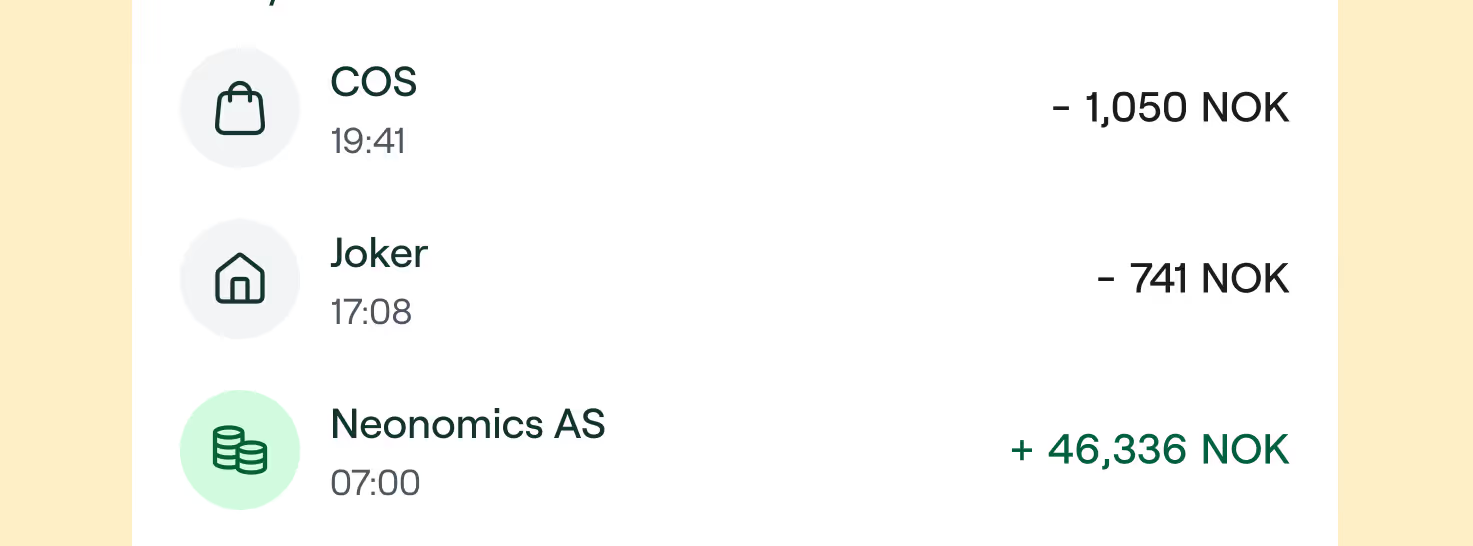
Transaction history use
When Neonomics Account Information Services are used by the merchant or invoice provider, we are sending a request to the bank to retrieve account information. In this request, the bank will provide access to account details for the specific accounts where you have provided consent, this access includes account details such as balance and transaction history for the account.
When Neonomics Account Information Services are used by the merchant or invoice provider, we are sending a request to the bank to retrieve account information. In this request, the bank will provide access to account details for the specific accounts where you have provided consent, this access includes account details such as balance and transaction history for the account.
However, just because the bank provides this information, it does not mean that the merchant or invoice provider you are using will hold or use this information. In the case of a payment, we are only using the information that is necessary for initiating an individual payment. We do not use this AIS consent for anything else.
For information on how your service providers process your data, please refer to their terms and conditions.
Neonomics is fully committed to protecting your individual rights and keeping your personal data safe.
privacy, security, personal, data, information, account

Why do you need my data
To complete a payment using open banking, we need permission to access certain account details — just enough to process the transaction safely. We don’t use your data for anything else, and it’s typically deleted right after the payment is done.
To complete a payment using open banking, we need permission to access certain account details — just enough to process the transaction safely. We don’t use your data for anything else, and it’s typically deleted right after the payment is done.
data, usage, storage, stored, personal, information, account

What data is processed
When you authorize Neonomics access to your bank or when a digital service provider uses our services on your behalf, we will have access to your account data that is required for the service you are using. Depending on how you interact with us and for what purpose, we collect and process different types of personal data about you, but never more than is necessary to perform the specific service you have requested.
When you authorize Neonomics' access to your bank account or when a digital service provider uses our services on your behalf, we will have access to your account data that is required for the service you are using. Depending on how you interact with us and for what purpose, we collect and process different types of personal data about you, but never more than is necessary to perform the specific service you have requested.
For example —if you are making a payment and request Neonomics to fetch information from your bank, we will only receive and use the account name, account balance, account type, the name of the account owner, but not the transaction history. If you request the product Account Insights, we will also fetch transaction history, as this is necessary to perform this service.
data, processing, privacy, security, information, personal
Delete your Neonomics Profile
To delete your account and remove your data, follow these simple steps. We’ll guide you through the process!
We’re sorry to see you go! 😢
To delete your profile, please follow these simple steps:
- Login to your Neonomics profile
- Click on the "Profile" tab
- Click "Delete profile"
- Follow the instructions
- Done! ✅
delete, remove, erase, request, support
Change password
If you want to change your password, it's super easy — just follow these steps.
If you want to change your password, it's super easy — just follow these steps:
- Go to the Login page and enter your profile details
- Once you're logged in, click in "Profile" in the left column
- Click in "Security - change password" and follow the instructions
- Done! ✅
change, replace, switch, password
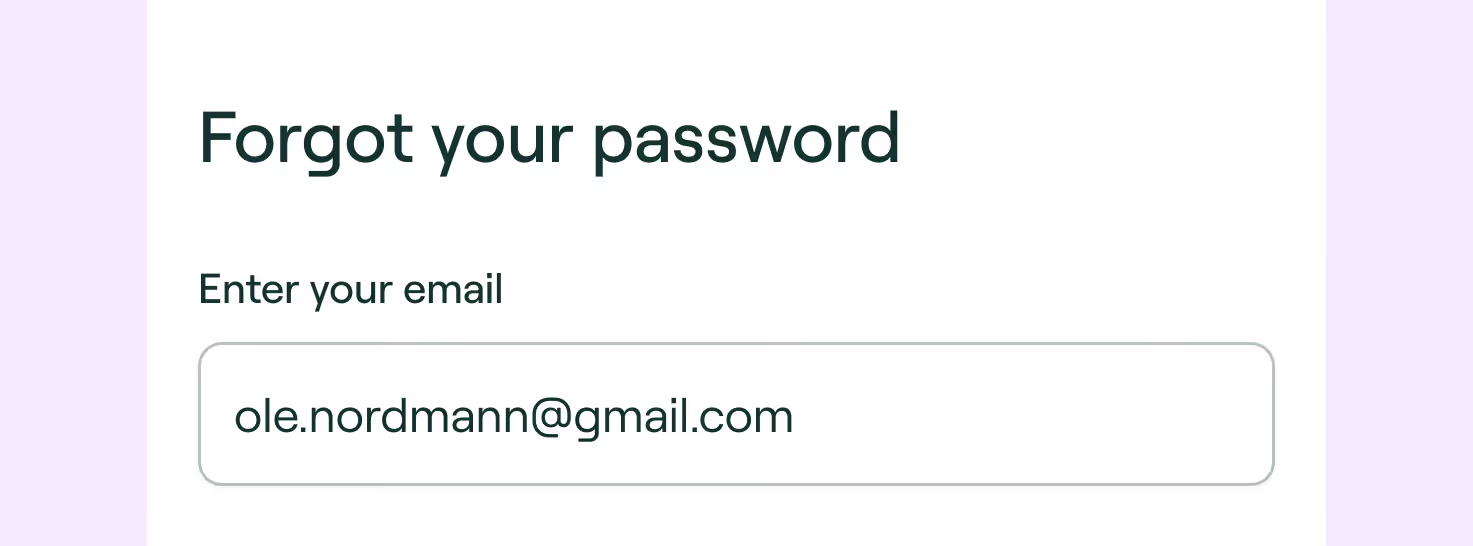
Forgot password
No worries — it happens. Just follow these steps.
No worries — it happens. Just follow these steps:
- Go to the Login page
- Click "Forgot password"
- Follow the instructions you'll receive by email
- Done! ✅
change, switch, forget, password

Connecting bank accounts
If you have a Neonomics profile, you can connect multiple bank accounts from various banks. That means that, the next time you pay using Neonomics, all the bank accounts you connected will be visible to you as options during the payment process. To connect a new bank account, you'll need to login to your Neonomics profile. Simply follow these steps:
If you have a Neonomics profile, you can connect multiple bank accounts from various banks. That means that, the next time you pay using Neonomics, all the bank accounts you connected will be visible to you as options during the payment process.
Connecting bank accounts
To connect a new bank account, you'll need to login to your Neonomics profile. Simply follow these steps:
- Go to the Login page and enter your details
- Once you're logged in, click in "Connect more" in the accounts list
- Follow the steps for connecting your account securely
- Done! ✅
add, connect, manage, bank accounts, payment option, select

Why does Neonomics save my profile information
Saving your account details in the Neonomics profile removes the need to fetch your account details in the future, therefore allowing you to go straight to making your payments. Cool, right?It is important to mention that we do not use your saved information for anything else besides making your own payments more simple. You can think of this similarly to saving your card details for later with other payment providers.
Saving your account details in the Neonomics profile removes the need to fetch your account details in the future, therefore allowing you to go straight to making your payments. Cool, right?
It is important to mention that we do not use your saved information for anything else besides making your own payments more simple. You can think of this similarly to saving your card details for later with other payment providers.
information, accounts, details, data, store, privacy, security
What's the Neonomics Profile
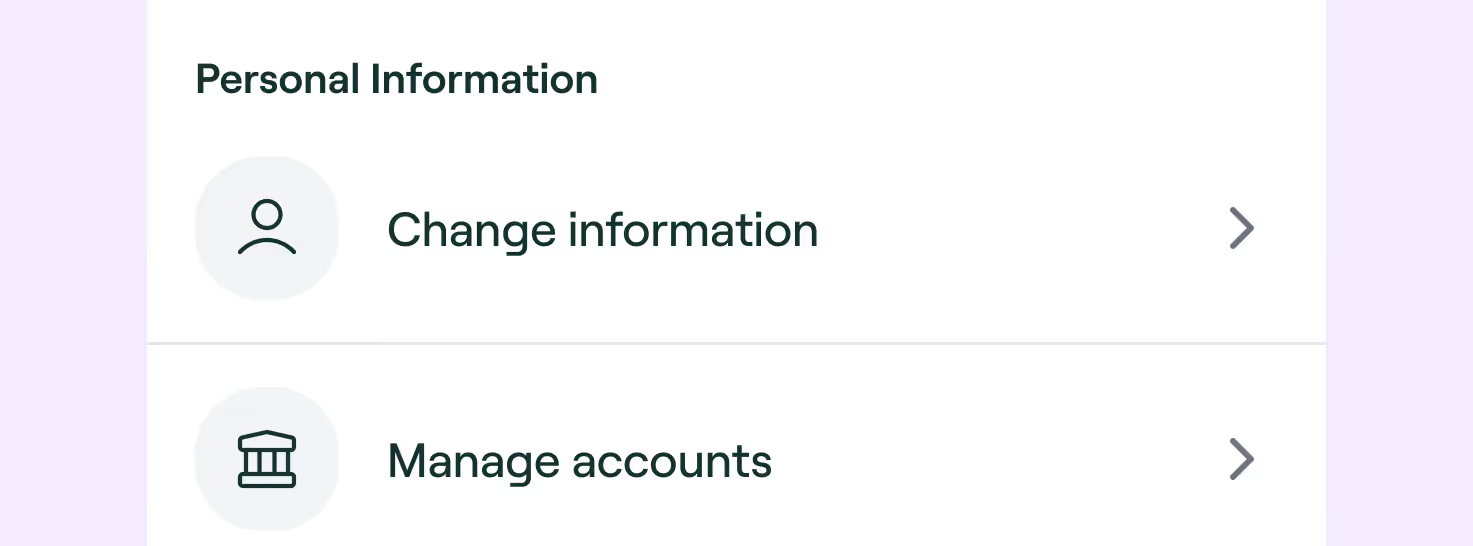
The Neonomics' Profile is a feature that enables you to save your information and makes performing your future payments through Neonomics even faster.
The Neonomics Profile is a feature that enables you to save your information and makes performing your future payments through Neonomics even faster. There you can:
- Pay faster next time — no need of a second verification
- Track your transactions — details and status
- Delete scheduled payments — don't need to ask us
What are you waiting for? Let's create your profile!
account, profile, user, manage, transactions

Canceling scheduled payments
If you’ve set up a scheduled payment through Neonomics, it should appear in your banking app — but most banks don’t allow edits or cancellations from their side anymore. Don’t worry, we’ve got you. Here’s how to cancel it depending on how the payment was set up.
If you’ve set up a scheduled payment through Neonomics, it should appear in your banking app — but most banks don’t allow edits or cancellations from their side anymore. Don’t worry, we’ve got you.
Here’s how to cancel it depending on how the payment was set up:
If you have a Neonomics profile:
- Log in to your profile
- Find the scheduled payment in the transaction list
- Click to view details
- Tap “Delete payment”
- Done! ✅
To set up a new one, just reach out to the vendor directly.
If you made the payment as a guest:
- Create a Neonomics profile
- Connect to the same bank and account you used
- Find the scheduled payment in the transaction list
- Click to view details
- Tap “Delete payment”
- For security reasons, you’ll be asked to verify your identity — it’s quick, and keeps your money safe.
- Done! ✅
cancel, delete, erase, reeschedule, scheduled, batch, recurring

Money not received
Sometimes, when you transfer money to platforms like crypto brokers, the funds don’t show up instantly. It can take up to a few days, depending on how the receiving service processes payments — but don’t worry, your money is on its way.
Why haven’t I received my money yet?
Sometimes, when you transfer money to platforms like crypto brokers, the funds don’t show up instantly. It can take up to a few days, depending on how the receiving service processes payments — but don’t worry, your money is on its way.
transactions, payments, where is the money
Duplicated payment
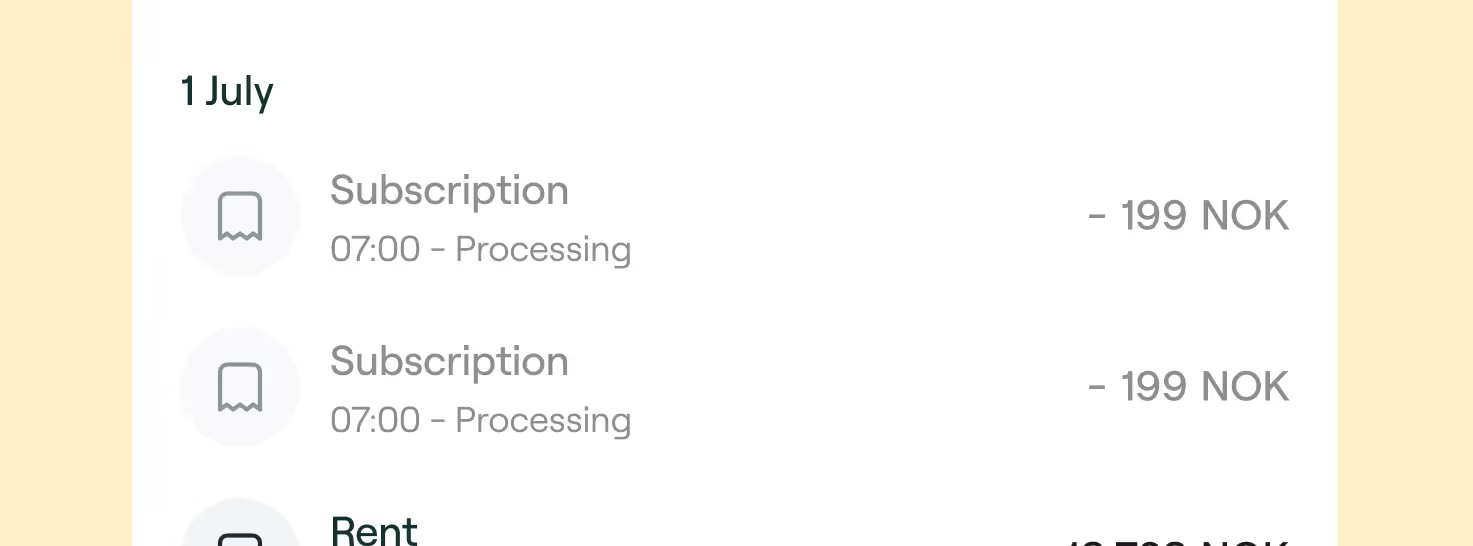
You have been deducted multiple times for the same transfer. What to do now? We know how this can be frustrating. Although Neonomics is the responsible for initiating the payment and enabling a secure connection to your personal bank account, it is the bank who is responsible for processing your payment. It means that, if something happened, it is the bank that needs to refund your money. So we kindly ask you to contact your bank — they should support you through this process.
Sorry you’re seeing the same charge more than once — that’s frustrating. Here’s a clear, simple way to get it sorted:
Although Neonomics is the responsible for initiating the payment and enabling a secure connection to your personal bank account, it is important to mention that Neonomics does not hold or process your money; it only acts as a connector between the merchant and your bank.
It is the bank who is responsible for processing your payment. It means that, if something happened, it is the bank that needs to refund your money. So we kindly ask you to contact them directly — they should support you through this process.
In some cases, the payment may not be able to be cancelled directly with your bank because it has already been processed. In this case, you should contact the recipient—the merchant where you made the payment—and resolve the issue with them.
duplicated, multiple, charges

Where to find your transactions
You've made a payment. Now you're wondering where you can check the payment details, status or simply cancel it?It's easy. You just need to access your Neonomics account. Here's how to do it.
You've made a payment. Now you're wondering where you can check the payment details, status or simply cancel it?
It's easy. You just need to access your Neonomics profile. Here's how to do it:
- Login to your profile through our website, or create a profile, if you don't have one
- Once you're in, click "Transactions" in the left column
- Find all yours transactions. Ta-da!
You also should be able to see the transactions on the account statement from your bank.
account, statement, details, status, information

When is the payment processed?
Once you go through the payment flow with Neonomics, a request is sent to initiate a payment from your account. The bank is then responsible for executing the payment — it means that the processing time can vary from bank to bank. Payments are normally executed instantly or within the same day, but for some banks it may take more than one day. You can get in contact with the bank to get more information on the processing times.
Once you go through the payment flow with Neonomics, a request is sent to initiate a payment from your account.
The bank is then responsible for executing the payment — it means that the processing time can vary from bank to bank. Payments are normally executed instantly or within the same day, but for some banks it may take more than one day. You can get in contact with the bank to get more information on the processing times.
processing time, processed, waiting times, delay
How does the payments work
When you initiate a payment using a merchant or invoice provider, you first have to provide consent authorized with Secure Customer Authentication (BankID, MitId or similar), which enables a secure connection to your personal bank account.You must then provide another consent authorized with Secure Customer Authentication to make a payment from your chosen account (enabled through Neonomics’ Payment Initiation Service). Your consent instructs us to initiate a payment from your personal bank account, on your behalf.
Your payment is made through A2A — short for account-to-account. It’s a modern, card-free way to pay where the money moves straight from your bank account to the merchant’s account, securely and instantly. No need to type in card numbers or worry about third-party processors.
How does an A2A payment work?
An account-to-account (A2A) payment is a simple and secure way to move money directly from your bank account — no cards, no middle steps. When you choose to pay through a merchant or invoice provider, you’ll first be asked to confirm who you are using a secure method like BankID, MitID, or something similar. This step connects your bank safely to the service.
Once that’s done, you’ll give a second confirmation to actually make the payment from your chosen bank account. This authorization tells Neonomics — through our Payment Initiation Service — to initiate the payment on your behalf, directly from your bank.
Every step happens within your bank’s own security system, keeping your details protected at all times.
And here’s a tip: if you create a Neonomics profile, the whole process becomes even faster — fewer steps, smoother payments, same security.
understanding, payments, a2a, pay by bank
Unknown charge from Neonomics
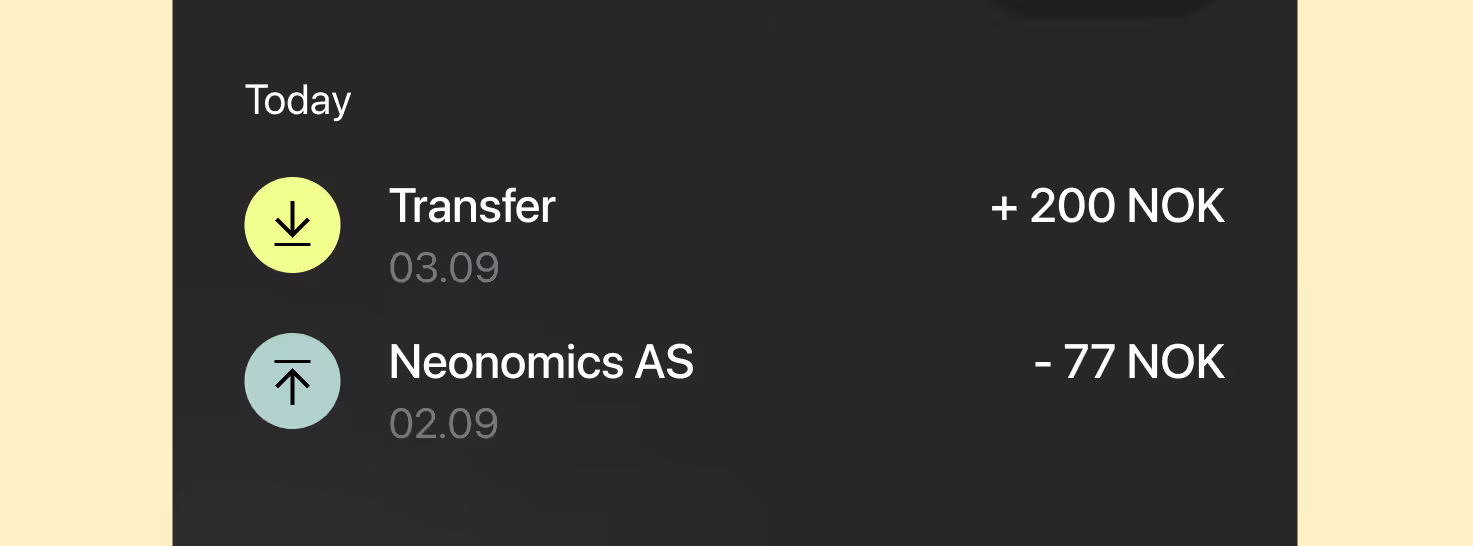
Why is Neonomics showing up on my bank statement? 🤔Neonomics process payments on behalf of other businesses, so you might see our name instead of the store or service you purchased from. For example, you may have recently bought something from a merchant that uses our platform. Charges may appear as "Neonomics" or "Neonomics + Merchant Name".If you're unsure, you can check your email for a receipt or order confirmation.
Why is Neonomics showing up on my bank statement? 🤔
Neonomics process payments on behalf of other businesses, so you might see our name instead of the store or service you purchased from. For example, you may have recently bought something from a merchant that uses our platform. Charges may appear as "Neonomics" or "Neonomics + Merchant Name".
If you're unsure, you can check your email for a receipt or order confirmation.
why, showing up, bank statement, charge, transaction




.avif)


.avif)